
1 machine, 16 controls. Drive, mapped cleanly. Not everything needs 12 modes.
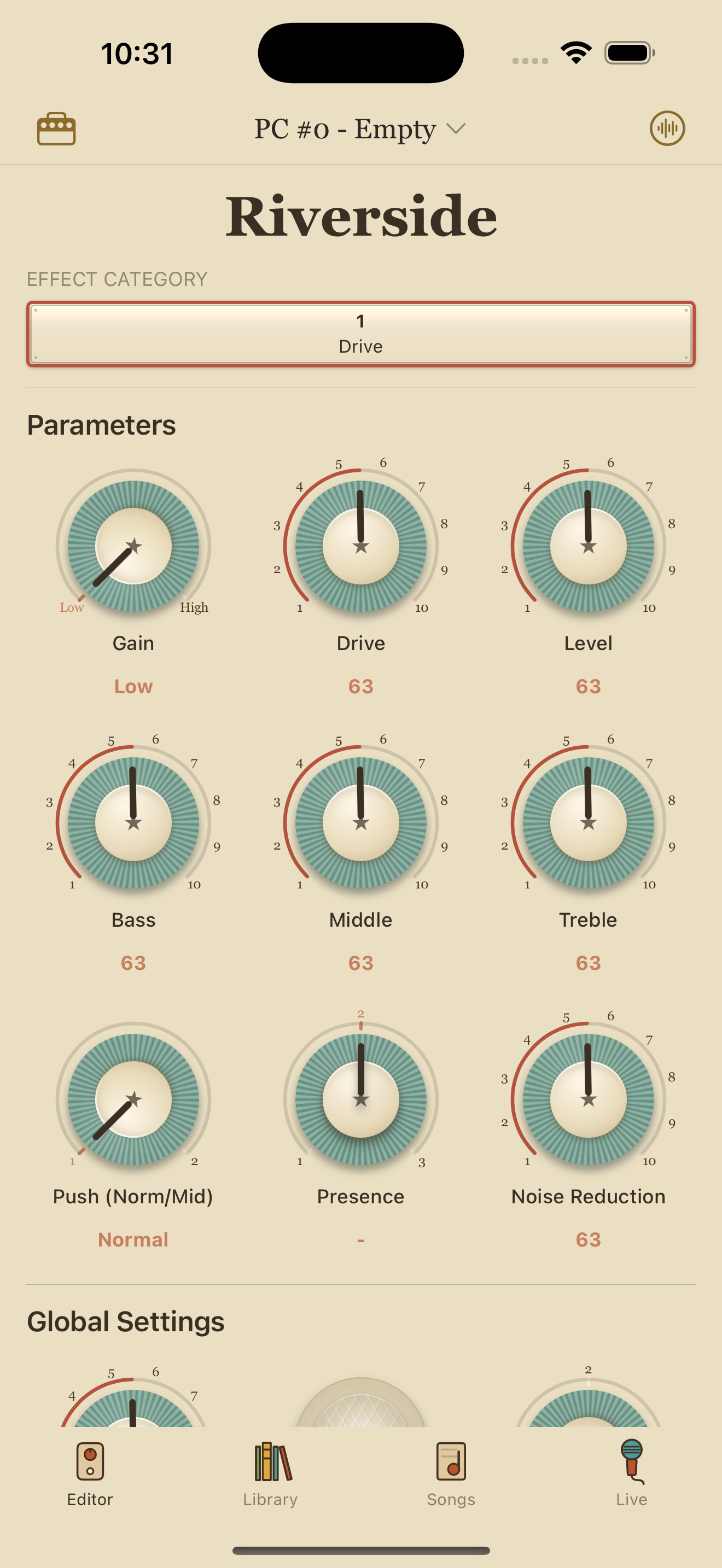
iPhone
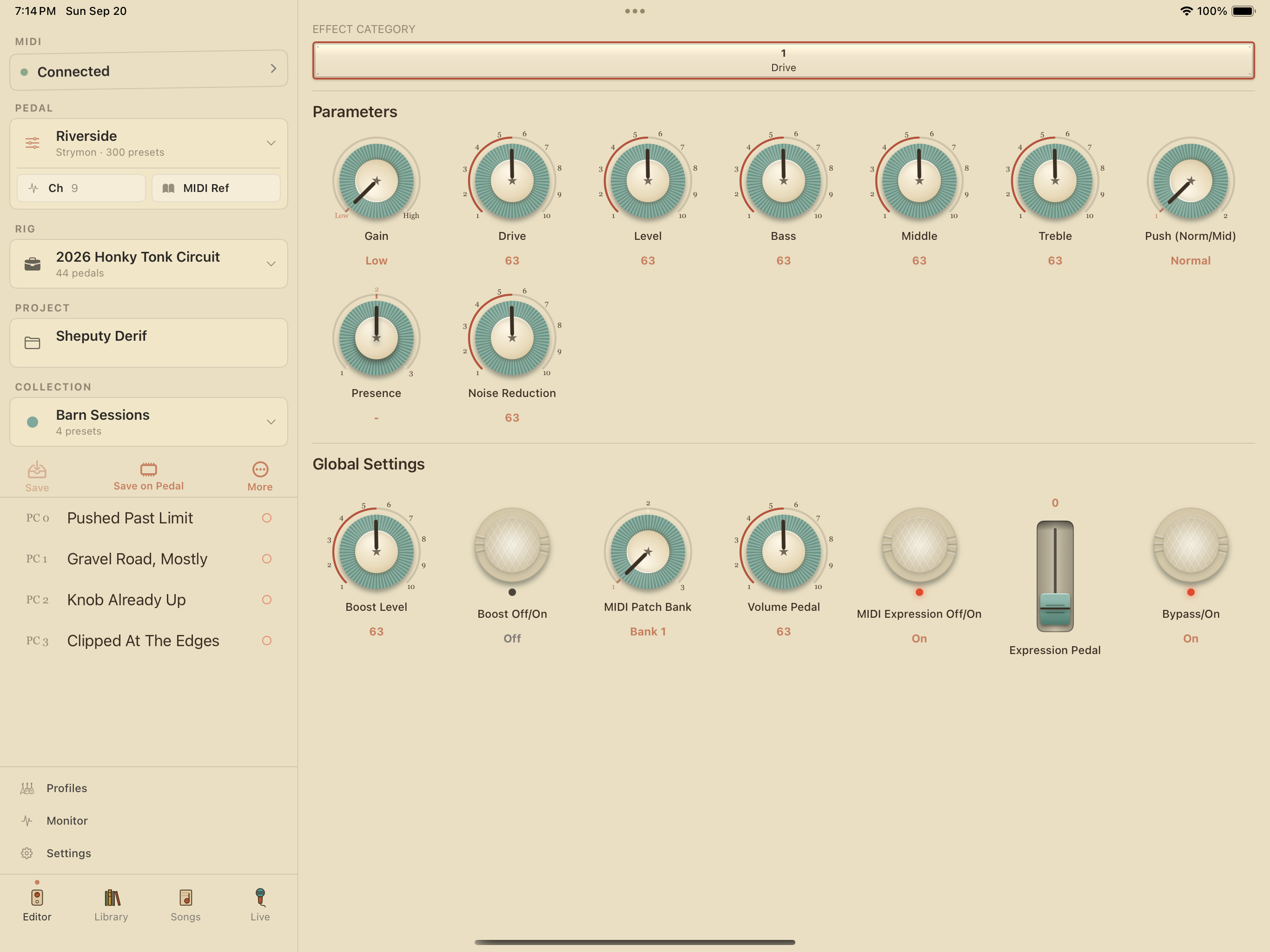
iPad
Plus 7 global controls shared across every machine — tap tempo, expression, bypass mode, MIDI channel, and the rest.
Available on iPhone, iPad and Mac. Connects over Bluetooth LE MIDI (with a WIDI Jack or equivalent), Wi‑Fi (RTP‑MIDI) or USB. Bluetooth pairing happens inside the app on iPhone and iPad; on Mac you pair in Audio MIDI Setup.
Presets live in the app library. Save what you want to the pedal from any preset, in any order. Every knob on the front of the Riverside and every parameter behind it are on the same screen.
Built from the Strymon Riverside user manual and audited before it shipped. The rest of the Strymon line is here.